> ## Documentation Index
> Fetch the complete documentation index at: https://docs.clearline.me/llms.txt
> Use this file to discover all available pages before exploring further.
# CMC+CFS Android App Manual Flow
## Manual Flow:
1. Merchant or ISO Installs the ClearLine Android App from the POS System Marketplace
2. Merchant Starts the App for the first time
3. Android App Shows the Splash screen and calls ClearLine API Endpoints
 1. Endpoints?
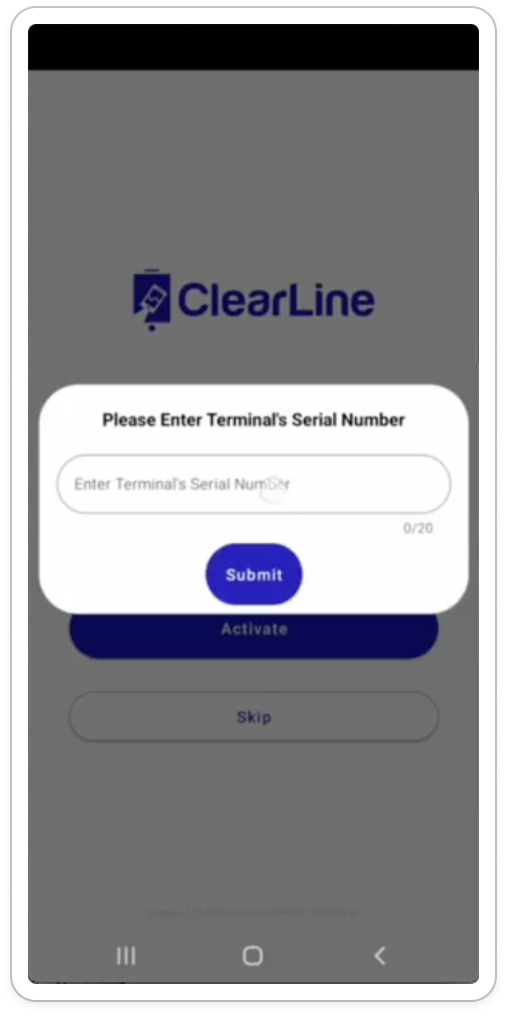
4. Android App shows the Activation screen with the Enter Serial Number Modal
1.
1. Endpoints?
4. Android App shows the Activation screen with the Enter Serial Number Modal
1.  2. Endpoints
5. Merchant Proceeds with the Activation code or Credentials Login flow
6. **Activation Codes Flow**
1. [Activation Codes](/api/pos-integration/activation-codes)
7. **Credentials Login Flow**
8. Merchant Clicks the Skip/Login button
9. Android App opens the Login Screen
1.
2. Endpoints
5. Merchant Proceeds with the Activation code or Credentials Login flow
6. **Activation Codes Flow**
1. [Activation Codes](/api/pos-integration/activation-codes)
7. **Credentials Login Flow**
8. Merchant Clicks the Skip/Login button
9. Android App opens the Login Screen
1. 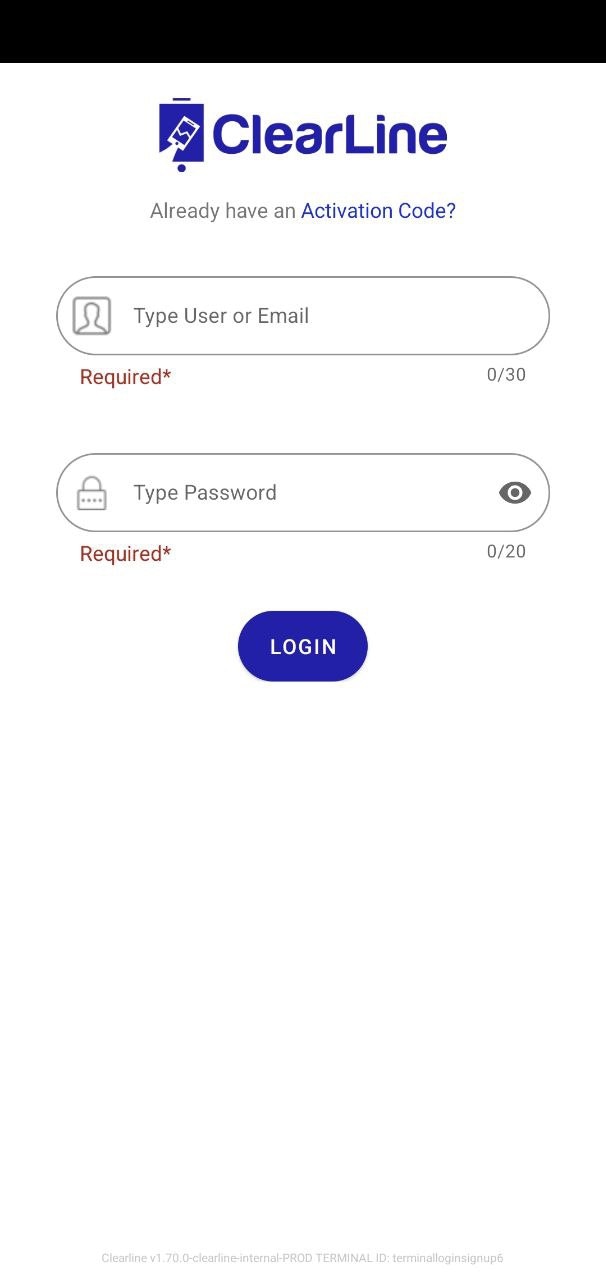 10. Merchant Enters His credentials and Signs in
11. Android App Shows the Select Location and enter Serial number modal
12. Merchant Selects Location and Enters Serial Number
13. Merchant Accepts Terms of Use
14. Android App Shows the CMC Screen
15. Merhcnat Clicks on one of Marketing Apps, for example Review Request app
16. Android App Shows the Preview Modal with Open QR Code button
17. Merchant Clicks on the Open QR Code button
18. Android App Shows the QR Code modal/template
19. Customer Scans the QR Code and opens the Landing Page
20. Android App Closes the QR Code Modal and shows CMC
21. After some timeout Android App shows the CFS Carousel
10. Merchant Enters His credentials and Signs in
11. Android App Shows the Select Location and enter Serial number modal
12. Merchant Selects Location and Enters Serial Number
13. Merchant Accepts Terms of Use
14. Android App Shows the CMC Screen
15. Merhcnat Clicks on one of Marketing Apps, for example Review Request app
16. Android App Shows the Preview Modal with Open QR Code button
17. Merchant Clicks on the Open QR Code button
18. Android App Shows the QR Code modal/template
19. Customer Scans the QR Code and opens the Landing Page
20. Android App Closes the QR Code Modal and shows CMC
21. After some timeout Android App shows the CFS Carousel