Manual Flow:
- Merchant or ISO Installs the ClearLine Android App from the POS System Marketplace
- Merchant Starts the App for the first time
-
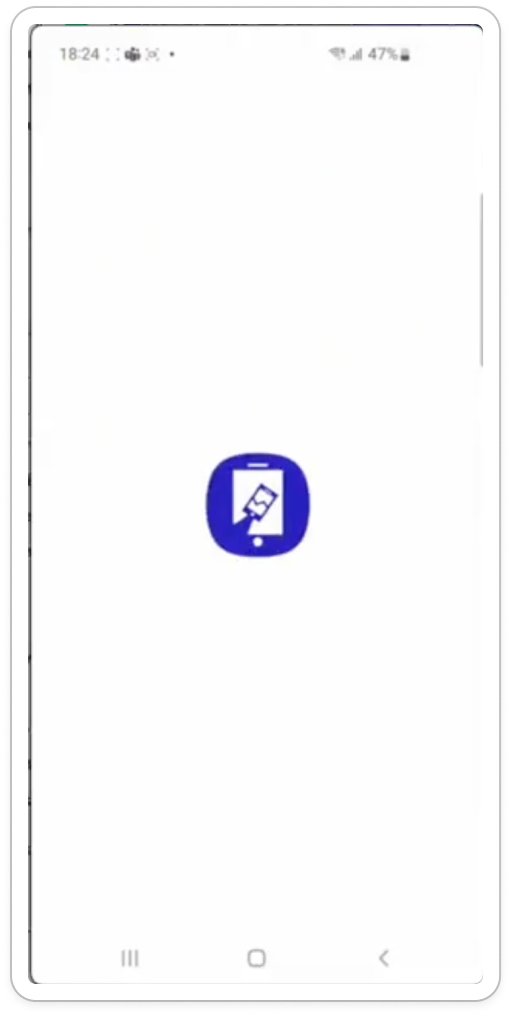
Android App Shows the Splash screen and calls ClearLine API Endpoints
- Endpoints?
-
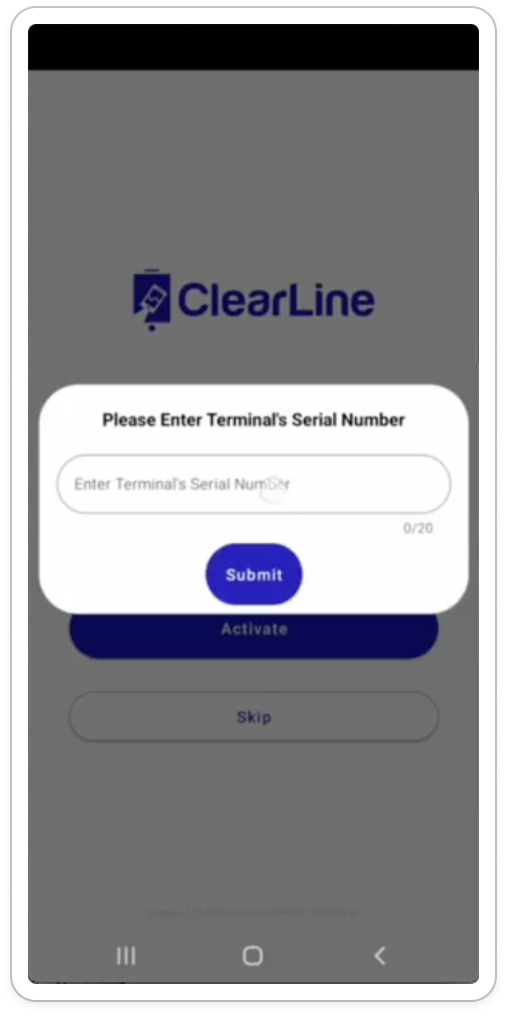
Android App shows the Activation screen with the Enter Serial Number Modal
-
- Endpoints
-
- Merchant Proceeds with the Activation code or Credentials Login flow
- Activation Codes Flow
- Credentials Login Flow
- Merchant Clicks the Skip/Login button
-
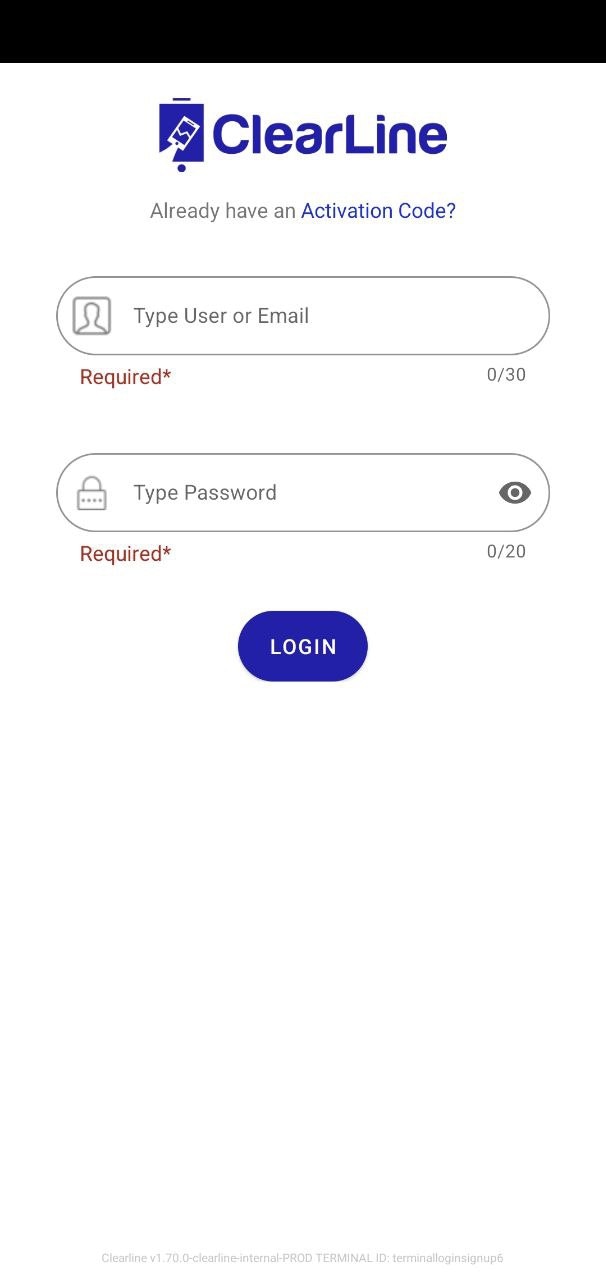
Android App opens the Login Screen
-
- Merchant Enters His credentials and Signs in
- Android App Shows the Select Location and enter Serial number modal
- Merchant Selects Location and Enters Serial Number
- Merchant Accepts Terms of Use
- Android App Shows the CMC Screen
- Merhcnat Clicks on one of Marketing Apps, for example Review Request app
- Android App Shows the Preview Modal with Open QR Code button
- Merchant Clicks on the Open QR Code button
- Android App Shows the QR Code modal/template
- Customer Scans the QR Code and opens the Landing Page
- Android App Closes the QR Code Modal and shows CMC
- After some timeout Android App shows the CFS Carousel